
Three taps, chalk on your hands.
Pick the colour, pick the climb, say how it went — Not yet or Topped it. Scan the tag and Dyno Club fills in the colour and grade for you to check; you still choose the climb, so nothing lands in your gym's catalogue by accident. It works offline, too.
- Every go counts — a project shows how many it took
- A flash is yours to claim, never guessed
- Whatever you are working on is one tap to log again
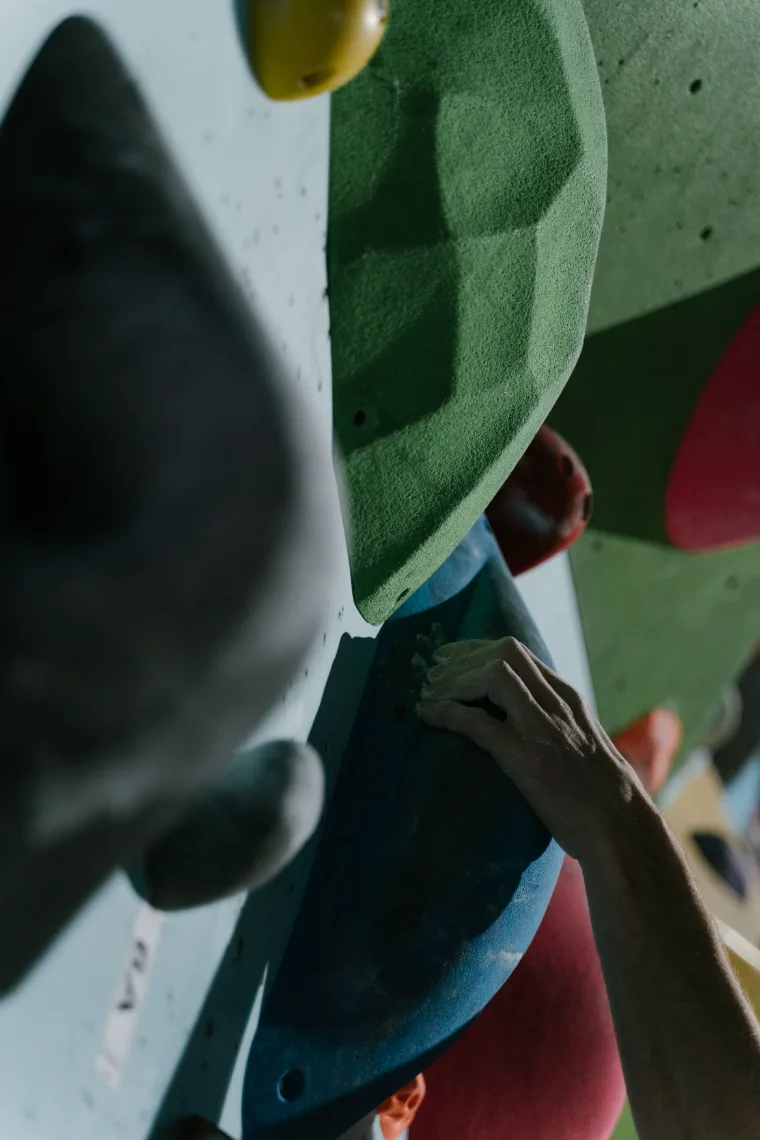


A season of climbing, not a single session.
Every log adds to your history. Your logbook keeps the sessions in order and counts what you topped, what you flashed and what is still open — and the grade pyramid shows where your climbing actually sits. Counted in distinct problems, so logging the same climb twice never pads it.
Start at the wall you actually climb at.
Search climbing gyms by town, or let Dyno Club look for the ones near you — it asks first, and your location is used once, for that search. Pick your wall and everything you log stays tied to it. Change gyms whenever you do.
Gym data © OpenStreetMap contributors. Your gym missing? Add it in two fields.
Find your gymClimbing is a solo sport with a crowd around it.
Community opens on your gym's feed — who topped what, who finally got the red arête, what is new on the wall. Crews keep your people in one place, and challenges give a month something to chase.
Your logbook is visible to other climbers by default — that's the point. Switch it to only you in Settings at any time.
How it works
Search a town or find the gyms near you. That's the setup.
Pick the colour and the climb — or scan the tag. Not yet, or Topped it.
Sessions stack up behind you; your gym's feed, crews and challenges keep the rest of the wall in view.